An alert prints
Your bank sends an alert like it always does. KoloTrack catches it from Android notifications, a Gmail forward, an iPhone Shortcut or a screenshot.
KoloTrack reads the debit and credit alerts you already get and turns them into a budget you can follow. Cash, money friends owe you and subscriptions too. No bank login, no BVN.
Your bank sends an alert like it always does. KoloTrack catches it from Android notifications, a Gmail forward, an iPhone Shortcut or a screenshot.
AI reads the amount, merchant and date, then stamps a category based on what you picked before.
It waits in your review inbox until you confirm it with one tap. Change the category and KoloTrack remembers next time.
Totals, budgets and categories update straight away, with your cash spending in the same place.
Bank alerts are half of it. These are the parts people open every day.
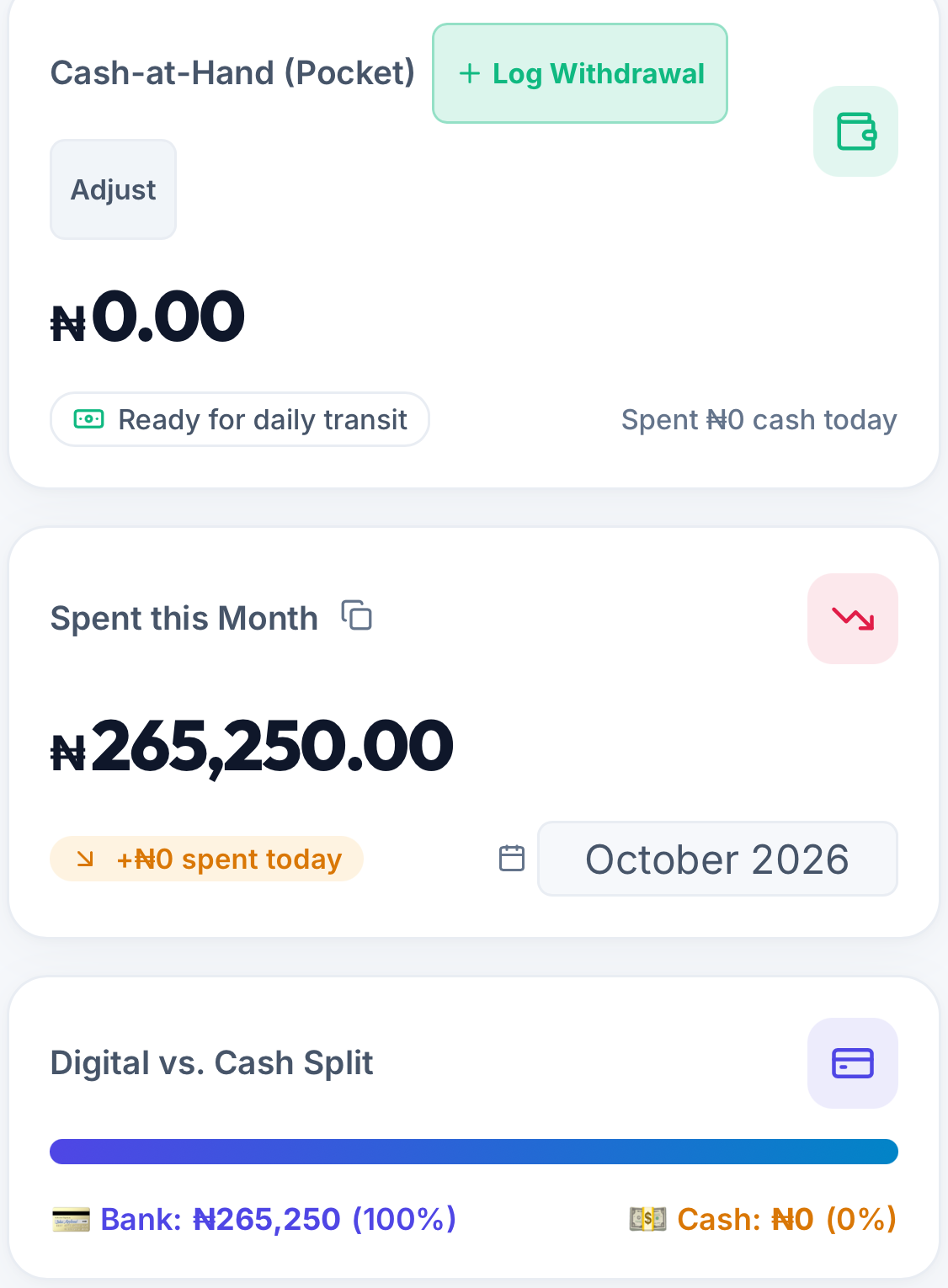
Log danfo, keke and market spending in seconds. A POS withdrawal moves money from your bank into your cash balance, minus the agent's fee.
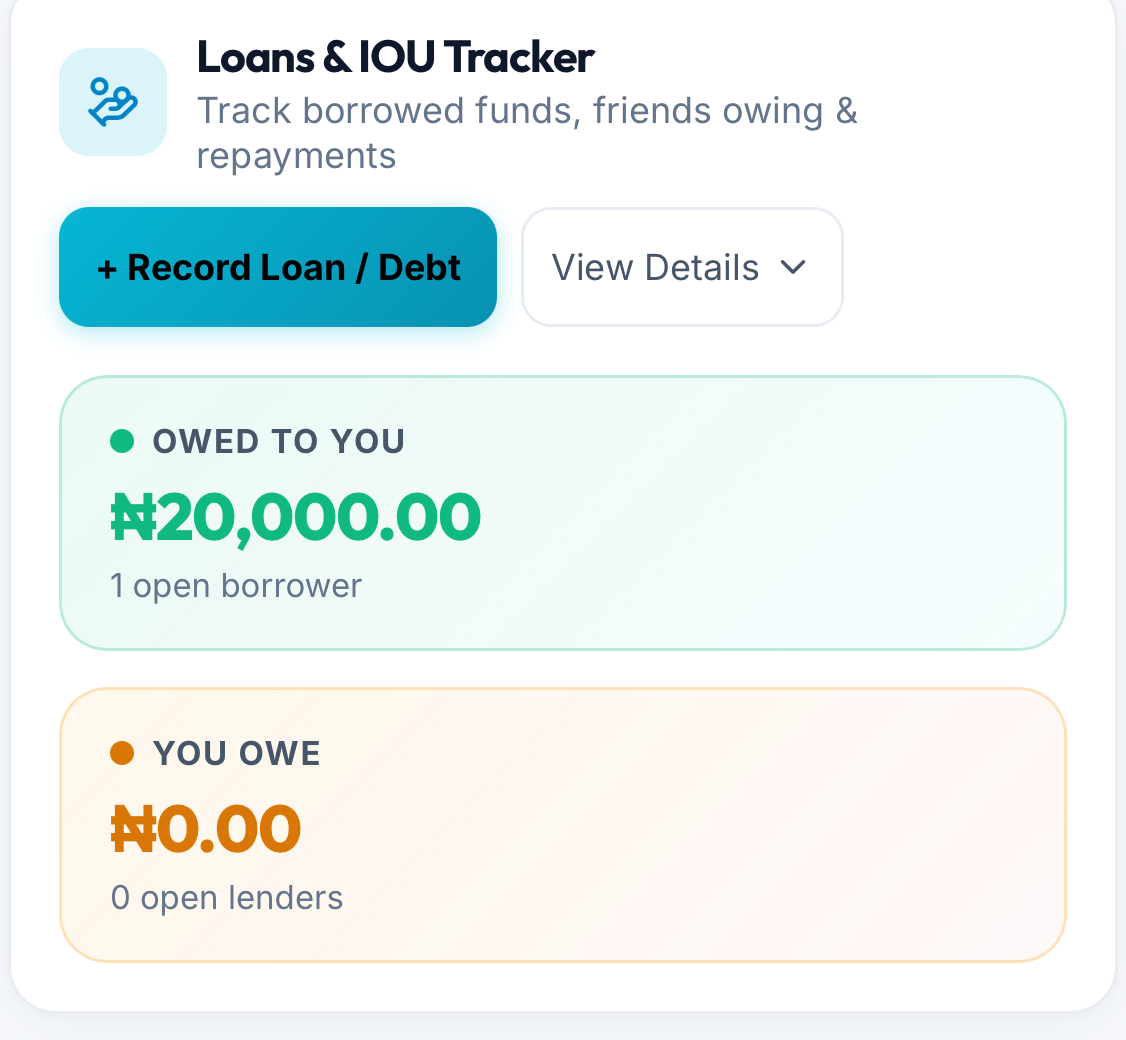
Lend, borrow or split a bill. KoloTrack keeps a running balance per person, so you know who still owes you.
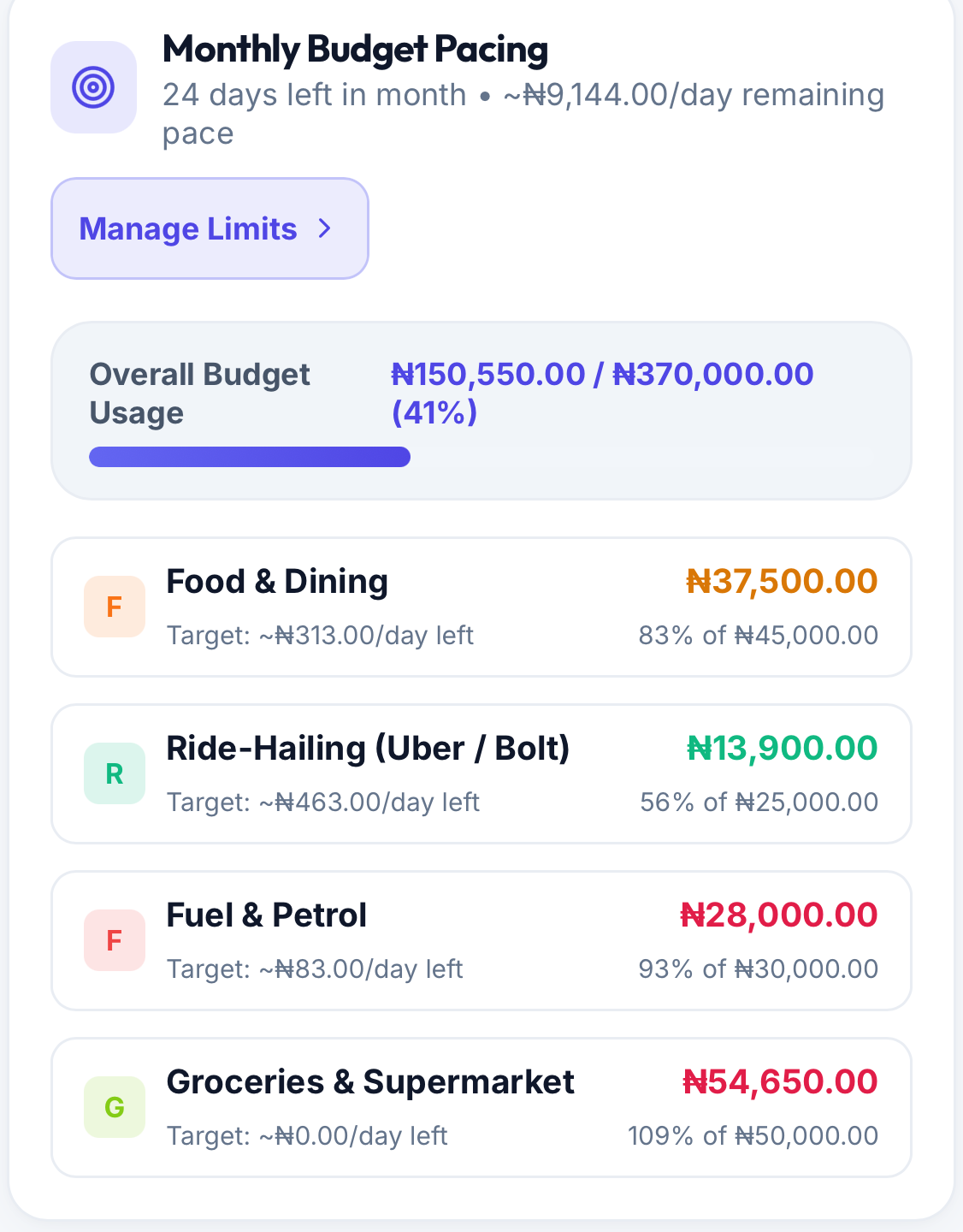
Monthly limits per category, and how much you can still spend each day.
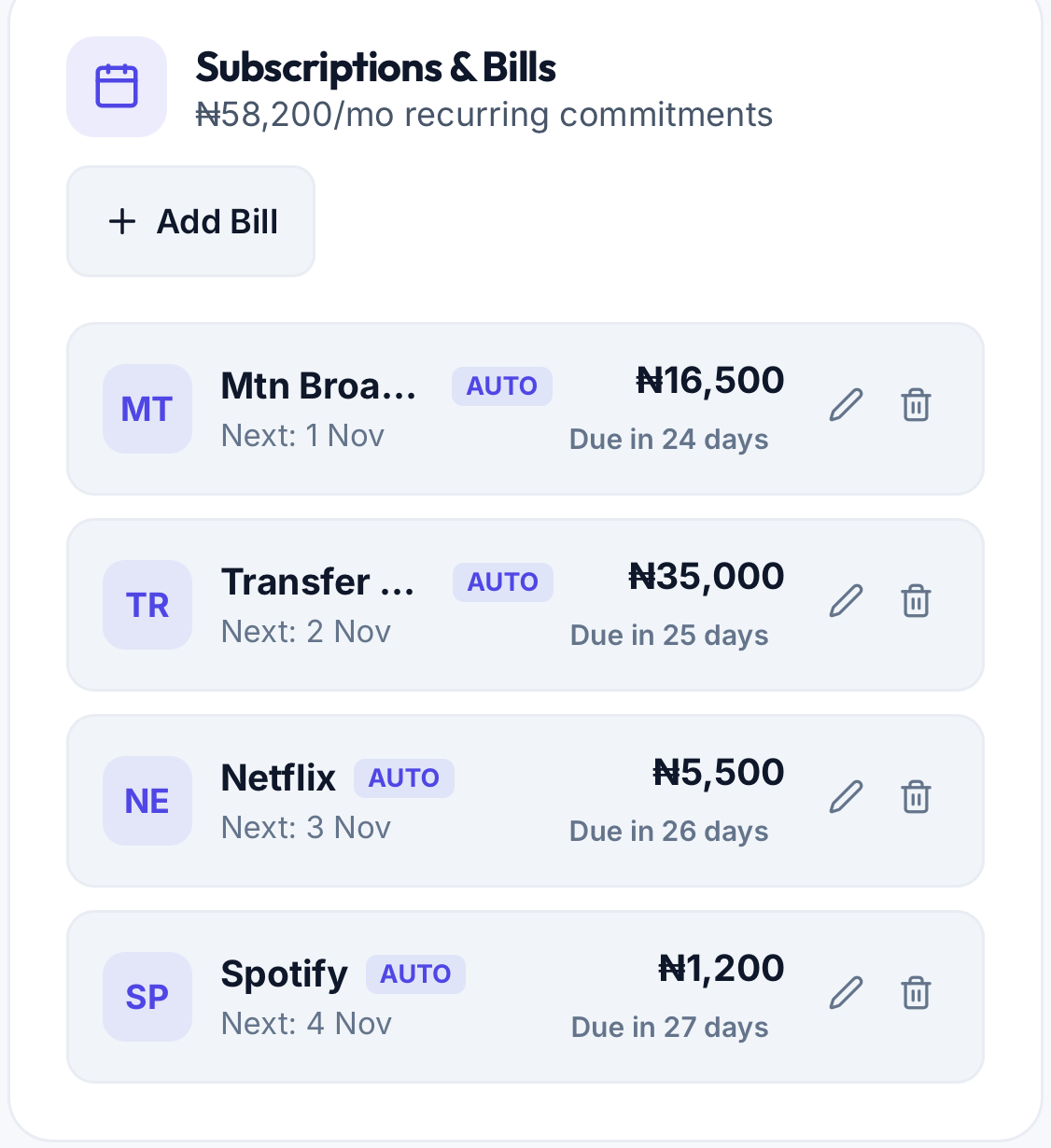
Recurring debits are spotted from your history, with a reminder before the next one.
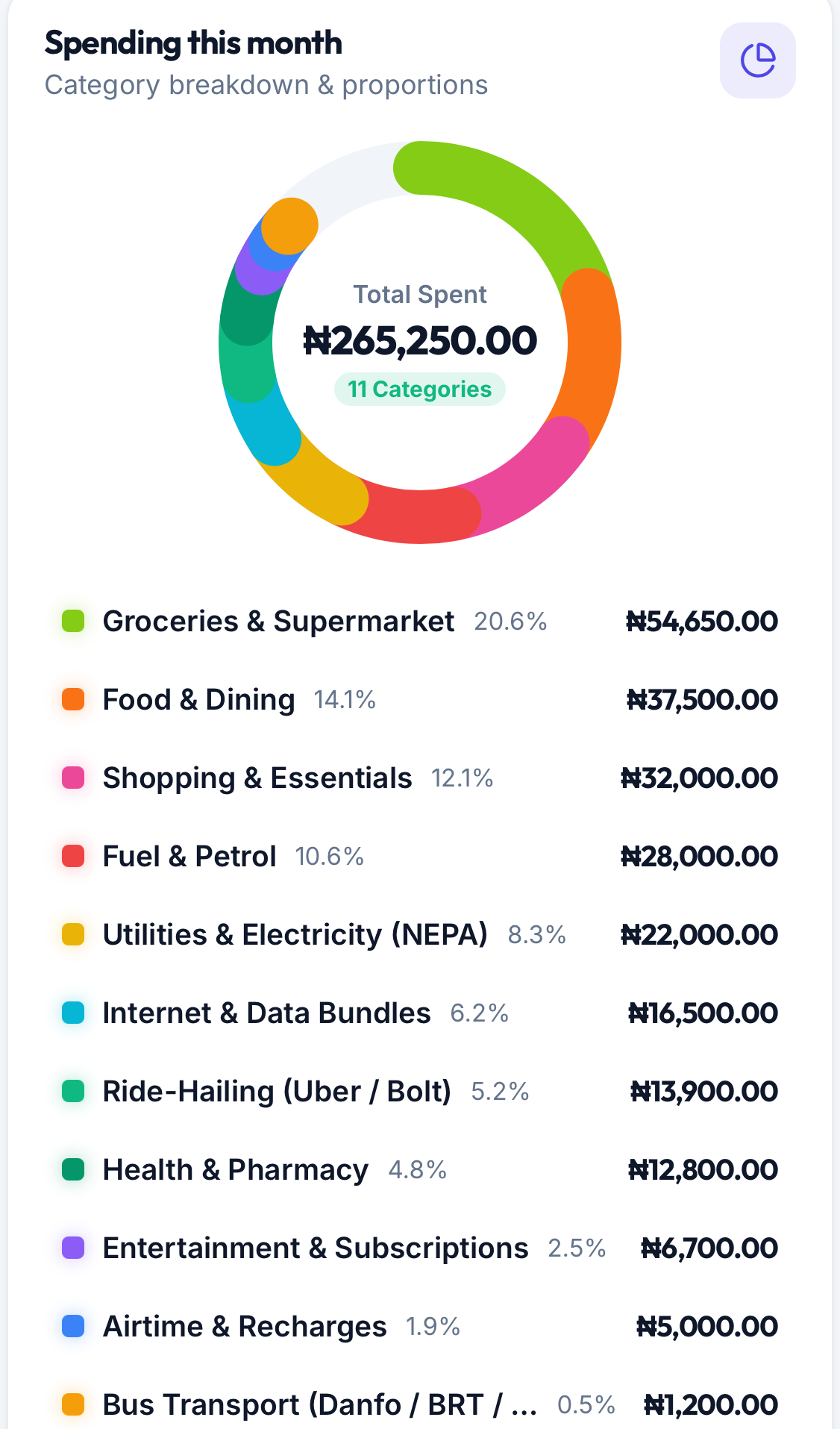
Every category on one chart. Tap a slice to see what's behind it.
Pick what suits your phone and your banks. You can use more than one.
WAYS IN
Android notificationsAndroid
The Android app reads bank notifications as they arrive. No email setup.
Gmail forwardingAny phone
Forward alert emails to your private KoloTrack address, set up from your phone.
iPhone ShortcutiPhone
An iOS automation sends bank SMS alerts the moment they land.
Screenshot or pasteAny phone
For apps that don't email you, upload the receipt or paste the alert.
Statement importWeb
Bring in an old statement or budget sheet as XLSX or CSV.
5 WAYS · USE ANY MIX
It only sees the alerts you choose to send it.
There is no link to your accounts, so nothing in KoloTrack can move your money.
Stop forwarding or uninstall the app, and alerts stop coming in.
If you forward all mail without a filter, personal emails, OTPs, and newsletters are instantly discarded and never stored.
One tap blurs every amount on screen when someone is looking over your shoulder.
Any bank or wallet that sends you transaction alerts by email, SMS or phone notification: GTBank, Kuda, Zenith, Access, UBA, OPay, PalmPay, Moniepoint, Pocket and more. If an app sends nothing at all, upload a screenshot of the receipt instead.
Your personal data is completely safe. KoloTrack uses a zero-trust privacy engine: non-transactional emails (personal chats, work memos, OTPs, password resets, and marketing newsletters) are immediately discarded and never saved in our database. Only verified bank transaction alerts (amount, merchant, date, and category) are processed into your ledger.
Never. The AI runs statelessly in-memory solely to parse transaction numbers and is never used to train foundation models. We never store personal correspondence, and sensitive details like passwords, BVN, and account balances are strictly ignored.
On Android, the KoloTrack app reads those apps' notifications directly, with no email setup. On any phone, you can upload a screenshot of the transfer receipt and AI reads the amount, recipient, fee and date.
No. KoloTrack has no connection to your bank accounts and never asks for your bank login, PIN, OTP or BVN. It only sees the alerts you choose to send it.
Alerts are read and categorised automatically, then wait in your review inbox. You confirm each one with a tap, or change the category, so your history stays accurate.
Log it as a cash withdrawal and add the agent's fee. Withdraw ₦10,000 with a ₦100 fee and KoloTrack records the fee and adds ₦9,900 to your cash at hand.
On Android, install KoloTrack directly from the Google Play Store to have bank notifications tracked automatically. On iPhone, download via Apple TestFlight for instant beta access.